Mice · Recommended
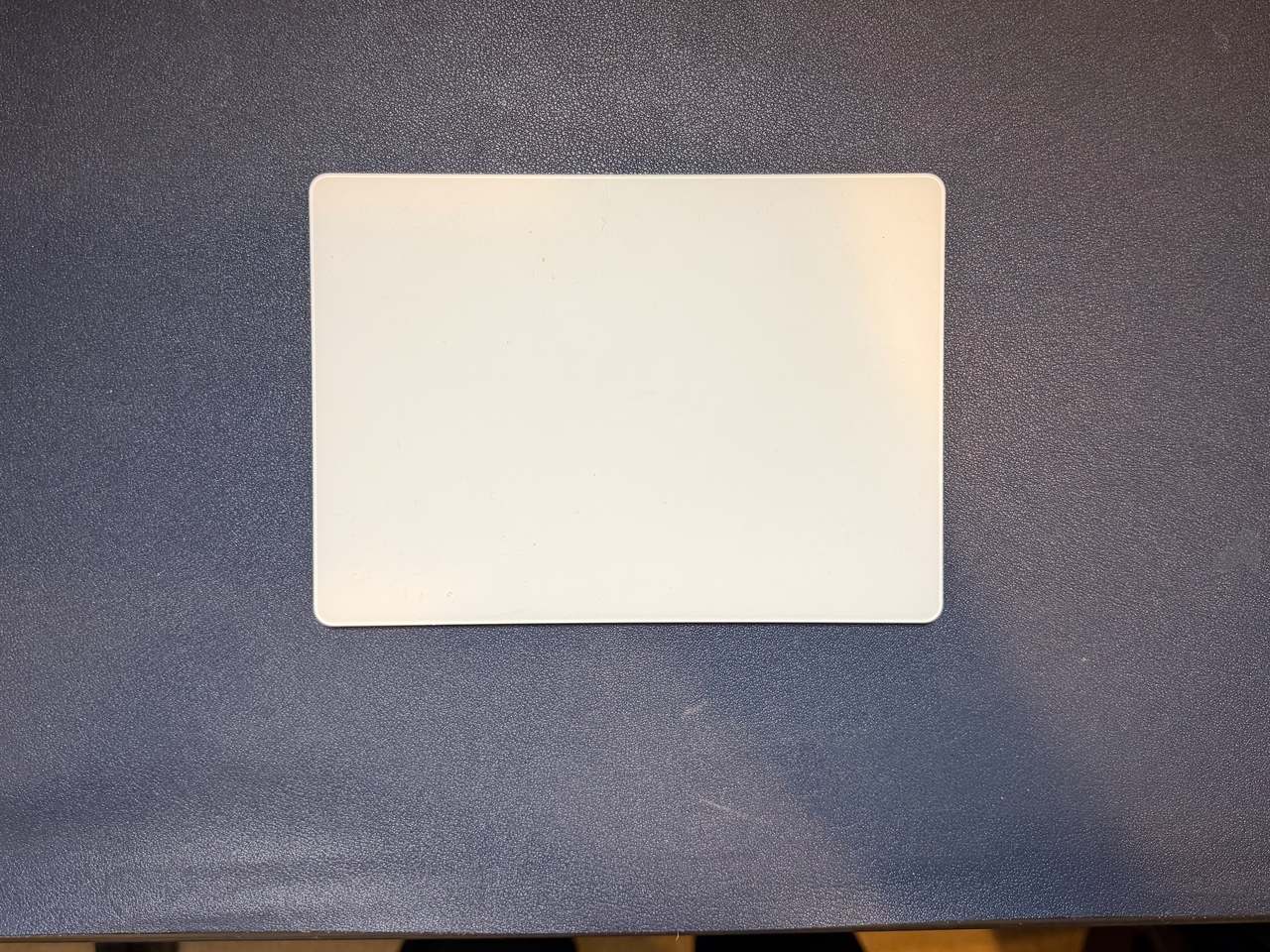
Apple Magic Trackpad
The big glass surface that makes macOS gestures actually worth using. Swipe between desktops, four-finger Mission Control, and pinch-to-zoom feel native here in a way no mouse matches, and the whole thing charges over USB-C and pairs the moment you plug it in. Especially useful for sliding around sales spreadsheets left and right (pro-tip: you can use Shift+Scroll to scroll left/right). I love the Show Desktop gesture where you spread four fingers out. I have some awesome widgets on my desktop for weather, to-do's, etc that I can see quickly that way too. Battery life lasts for months on a single charge.
- $$$
- Not yet in my setup
- Mice
- Premium Choice
The verdict
Not on my desk yet — a pick I would buy, scored 8.0 out of 10.
This is a pick I would buy, not one I have logged months on yet, and I would rather say so than pretend otherwise. When it lands on the desk and clears month three, the verdict here gets updated with what actually held up. How I rate gear.
What works
- Large Multi-Touch surface makes full macOS gestures effortless
- Force Touch and pressure sensitivity for previews and variable controls
- Rechargeable over USB-C with about a month of battery per charge
- Pricey for a pointing device
- A flat trackpad is not for everyone over a long editing or design session
Scored on four things